Generate Construction Daily Report In One Click
Free Equipment Tracking Forever
No Credit Card Required
Cancel Anytime
Capture
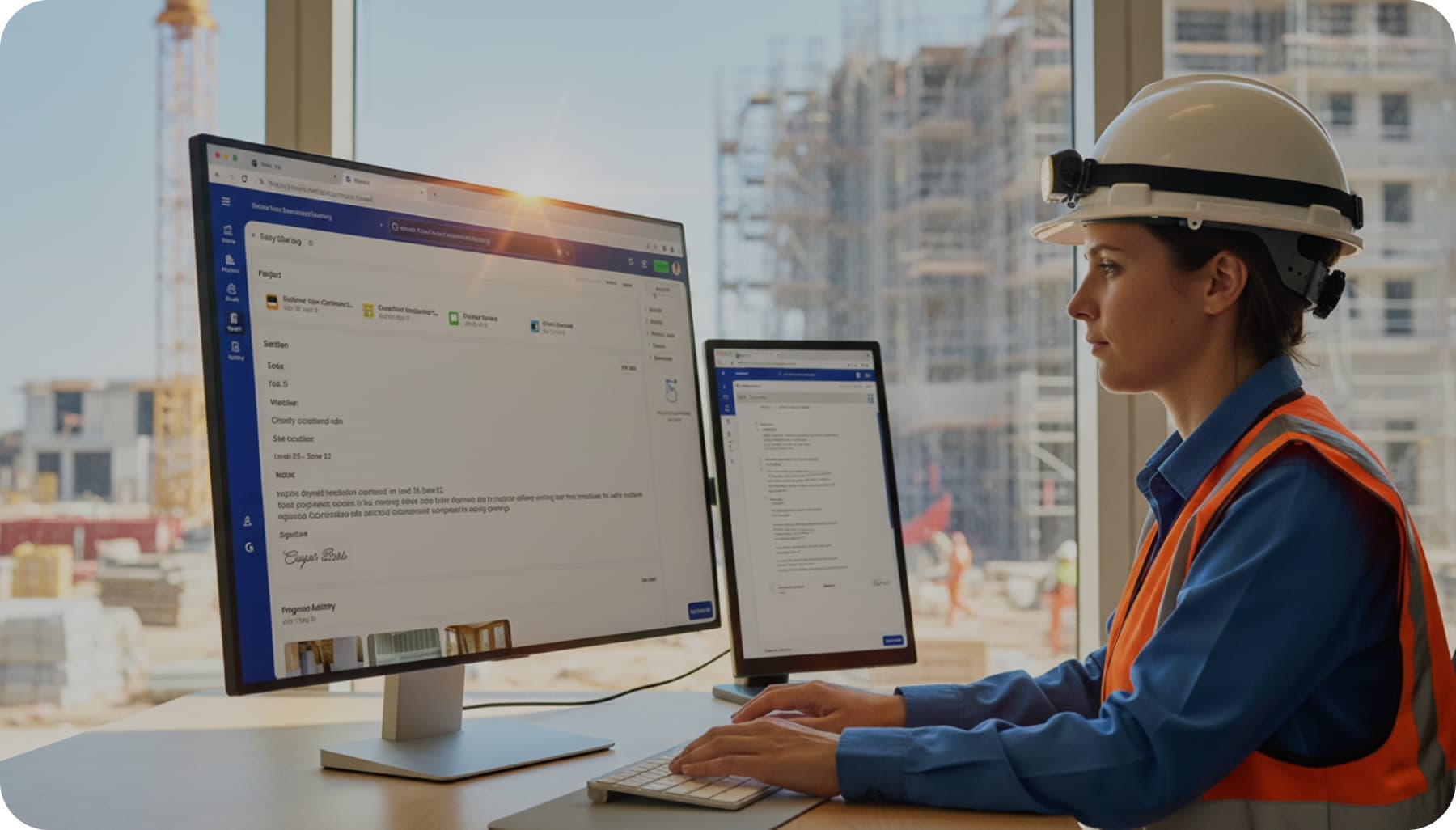
Capture Site Activity
- ▪️
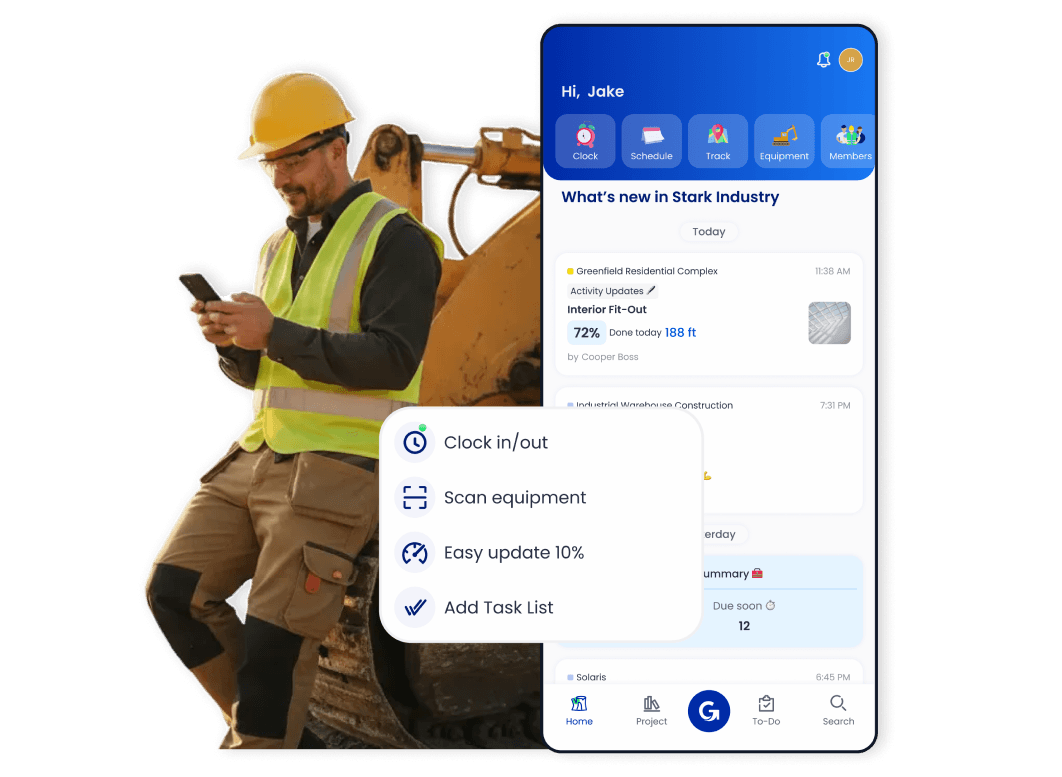
Clock in/out manpower, log equipment usage, and track materials
- ▪️
Snap photos and attach them to work progress
- ▪️
Collect updates from all trades for accurate daily reports
Select
Document With Custom Report Templates
- ▪️
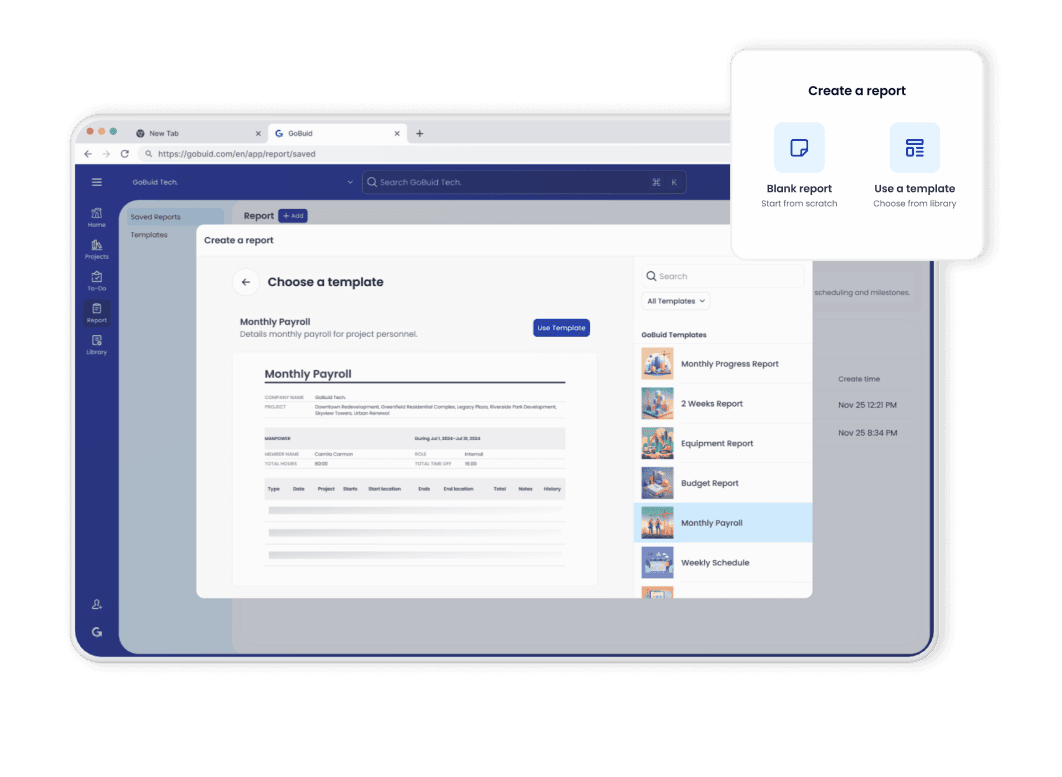
Select pre-built templates or create custom formats
- ▪️
Organize manpower, equipment, safety, and inspection fields
- ▪️
Apply one template across multiple projects while keeping flexibility
Automate
Automate Daily Reporting
- ▪️
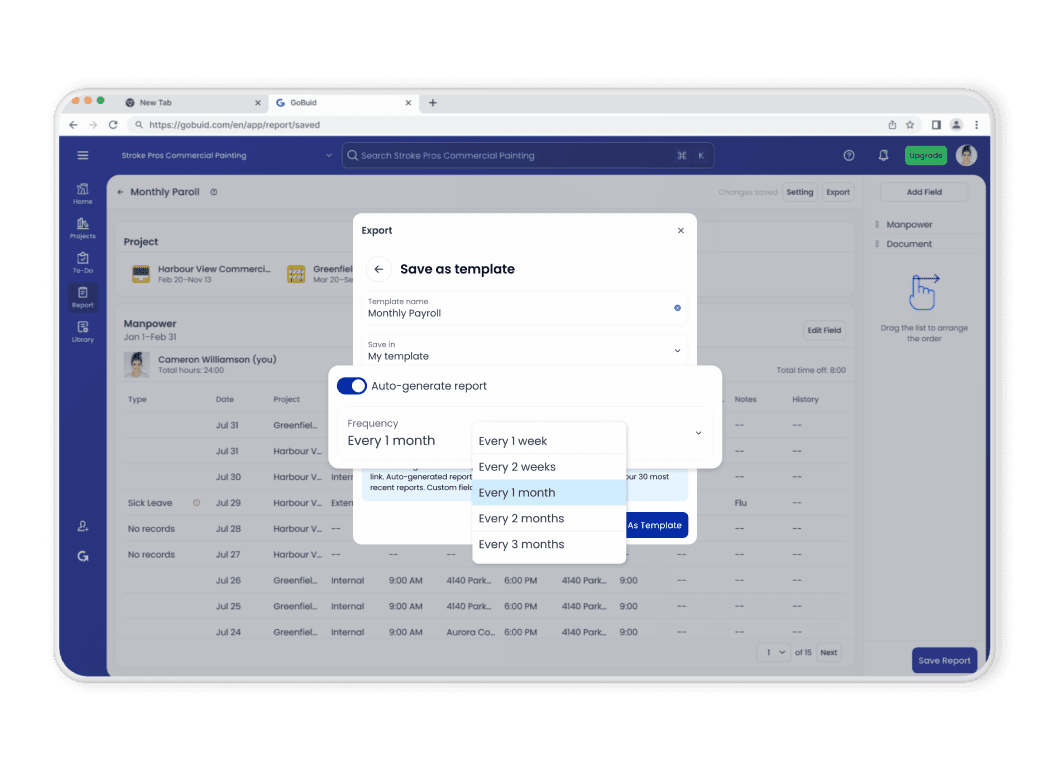
Automate daily report creation with scheduled rules
- ▪️
Generate daily, weekly, or inspection-based reports automatically
- ▪️
Deliver photo integrated daily reports instantly to stakeholders
Export
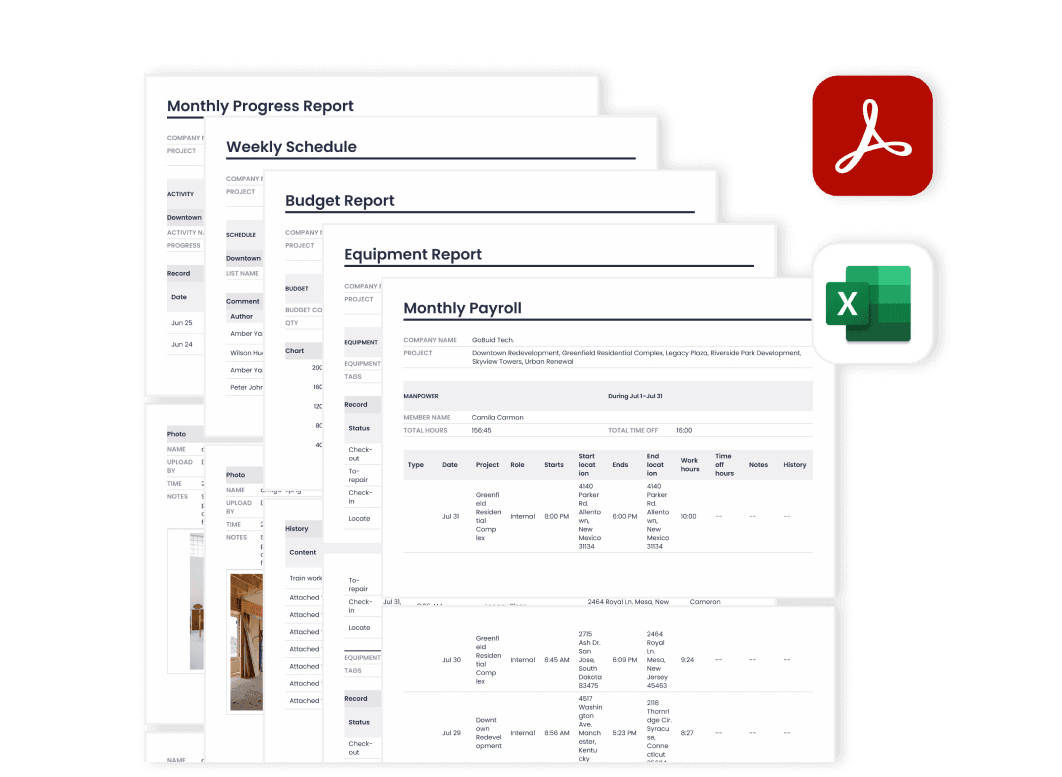
Export Professional PDF Reports
- ▪️
Export structured, professional PDF reports in seconds
- ▪️
Generate claim-ready and audit-ready reports for clients and owners
- ▪️
Maintain one source of truth across teams and projects
Store
Cloud-Based Report Records for Project Evidence
- ▪️
Reports are generated from daily site records and activities
- ▪️
Track progress over time with structured, audit-ready data
- ▪️
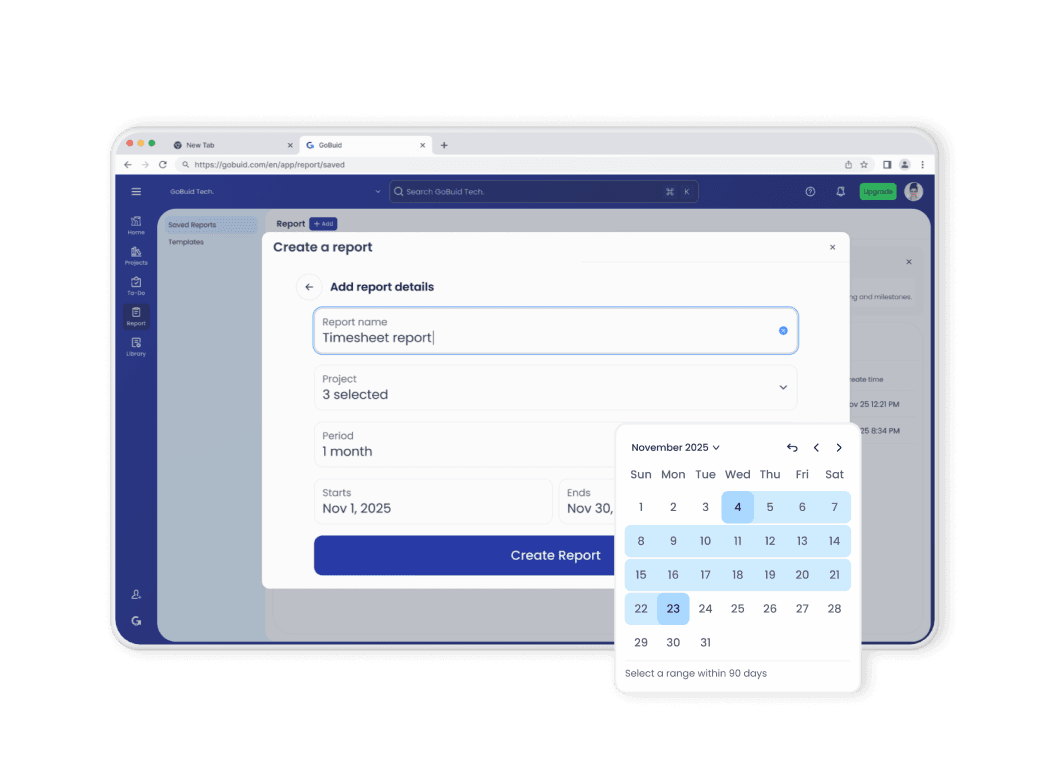
Quickly find and regenerate reports whenever proof is needed
FAQ
Have Questions?
How can I customize a construction project inspection report template?
You can customize construction inspection reports in GoBuid using a no-code, drag-and-drop form builder designed for site managers without technical expertise. This allows you to instantly add text areas, checkboxes, and photo upload fields to match specific structural or safety requirements. Once a template is saved, it syncs immediately to the field team’s mobile devices for real-time use. For complex migrations, GoBuid’s Pro Plus plan includes expert setup services to digitize up to 20 existing paper forms into professional digital templates.
What are the best practices for filling out a construction inspection report?
The best practices for construction inspection reports center on real-time mobile documentation, GPS verification, and providing visual evidence for every site condition. 1. Visual Proof: Use GoBuid’s "field-first" interface to snap and attach photos of defects directly within the digital form. 2. Location Accuracy: Ensure every report is GPS-tagged to confirm the inspection occurred at the actual job site coordinates. 3. Immediate Action: Utilize "click-to-fill" statuses to assign follow-up tasks to specific team members the moment a high-risk item is identified.
Which software have construction report tools with real-time collaboration features?
GoBuid is a premier real-time collaboration platform that syncs field and office data into a "Single Source of Truth," reducing administrative delays by up to 60%. The platform features a live project newsfeed that allows managers to view site progress and inspection updates as they happen. Every report includes built-in discussion threads for text, audio messages, and file sharing to keep project conversations in context. Real-time notifications instantly alert stakeholders when a critical safety permit or report requires urgent approval.
Which construction management software offers mobile applications for field data capture?
The GoBuid mobile app is specifically engineered for high-speed field data capture, featuring offline/online sync and QR code integration for equipment logging. Field teams can scan QR codes on machinery to instantly pull up relevant forms or log operating hours without manual typing. The app’s offline capability allows users to capture data in remote locations, automatically uploading reports once connectivity is restored. Integrated geofencing also captures precise worker attendance, ensuring 100% accuracy in daily field logs.
Which software provide a free trial of construction daily log software?
GoBuid offers a 30-day full-feature free trial with no credit card required, along with a "Free Forever" tier for very small teams. This trial provides complete access to professional daily logs, manpower tracking, and budget management tools. Following the trial, new users can access an introductory offer for the Pro Plus plan at just $1.00 per month for the first three months. For individual contractors, the Free Forever plan includes essential equipment tracking and project management features to help digitize operations with zero financial risk.
