Compare Trackers for Construction Labor Productivity
Compare software for tracking non-productive time in construction and see how task-level records help crews spot downtime and improve labor productivity.
by Sam Chen
|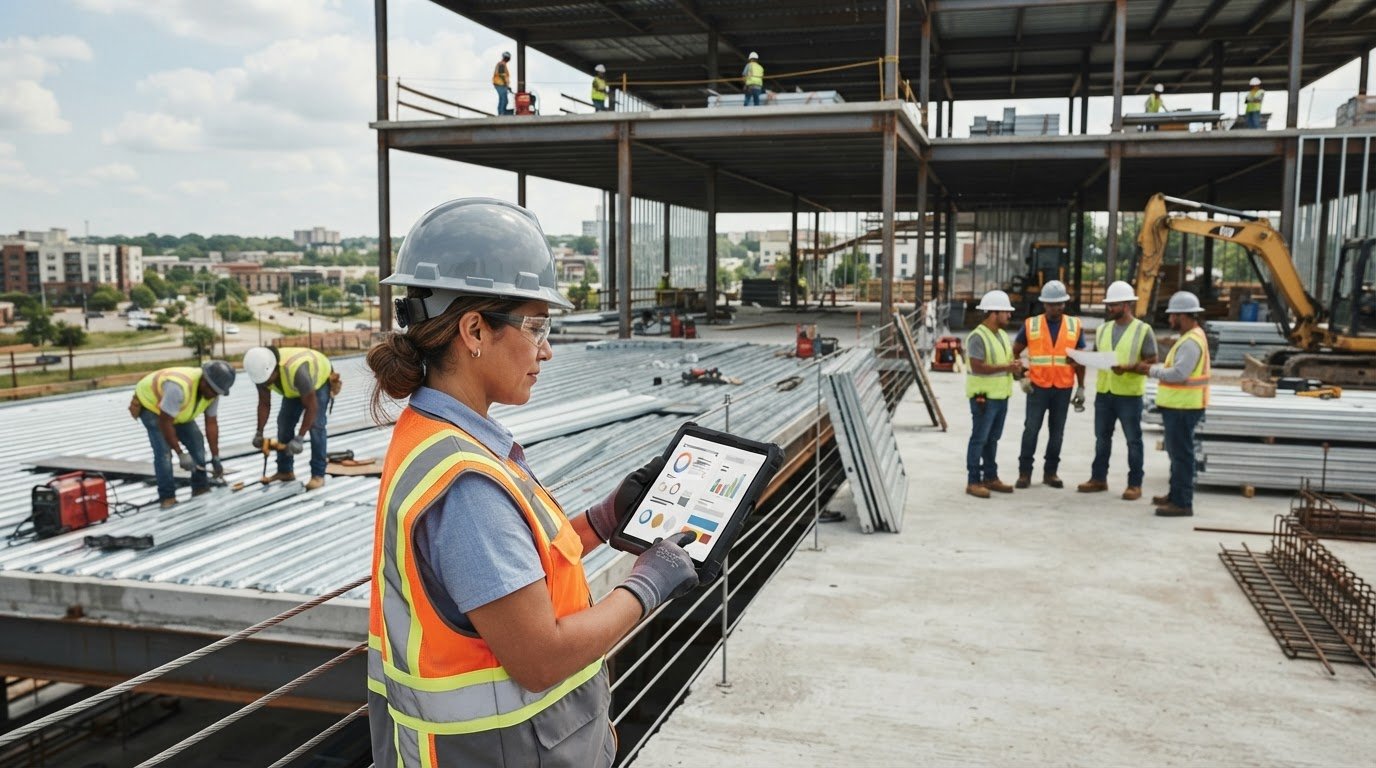
A general-purpose time clock records hours, but it may not reveal where construction labor is being lost. Software for tracking non-productive time in construction can capture shifts, hours by task or project, and jobsite activity, helping teams identify and investigate downtime.
Accurate time records matter, and tracking tools need to fit how crews move between tasks and projects. This guide covers what construction time-tracking software does, how downtime affects productivity, and how construction-specific platforms differ from basic trackers. Use the comparison points and decision criteria to find an approach that suits your team’s workflow.
Key Takeaways
- Track labor by task, project, and location to connect recorded hours with jobsite activity.
- Separate productive work from delays and rework to see where labor time is going.
- Compare construction-specific trackers with general-purpose tools based on how well they fit crew and project workflows.
- Use GoBuid’s Manpower Tracking and one-click reports to bring labor information into clearer view.
What Is Construction Time Tracking Software?
Construction time-tracking software records shifts, labor hours, and work by project or task. Contractors use these records to compare actual labor with budgets and planned production.
Real-Time Labor Insights
Real-time reporting groups labor data by crew, company, or task, so managers can spot where hours are accumulating during a project. Some systems use geofencing to check whether employees are on-site. In the United States, software pricing has no single standard: the price depends on the case and is given after a quote request, with user count, features, and integrations affecting the cost.
Productivity and Cost Tracking
Digital entries show hours by day or project and may include breaks and overtime. Compare recorded labor with completed work to spot delays, rework, or tasks exceeding estimates. Manual timesheets can make these differences harder to see until payroll is processed; digital records make them easier to review while work is underway.
Yes, time tracking systems can integrate with payroll and project management software. Scheduling connections vary by system, so include schedule data in the comparison criteria.
Job and Cost-Code Tracking
Assign each entry to a job, phase, and cost code to support job costing. For example, record framing separately from finishing rather than combining both in one project total. This detail lets contractors compare actual labor with estimates for each scope of work. Basic trackers may record shifts without the same project-level breakdown.
| Option | Labor detail | Reporting focus |
|---|---|---|
| Manual timesheet | Hours entered by hand | Payroll totals |
| General-purpose tracker | Shifts and tasks | Employee time |
| Construction tracker | Jobs, phases, cost codes | Labor and job costs |
Choose a tool according to the detail crews need to record and managers need to review.
Construction labor productivity and downtime
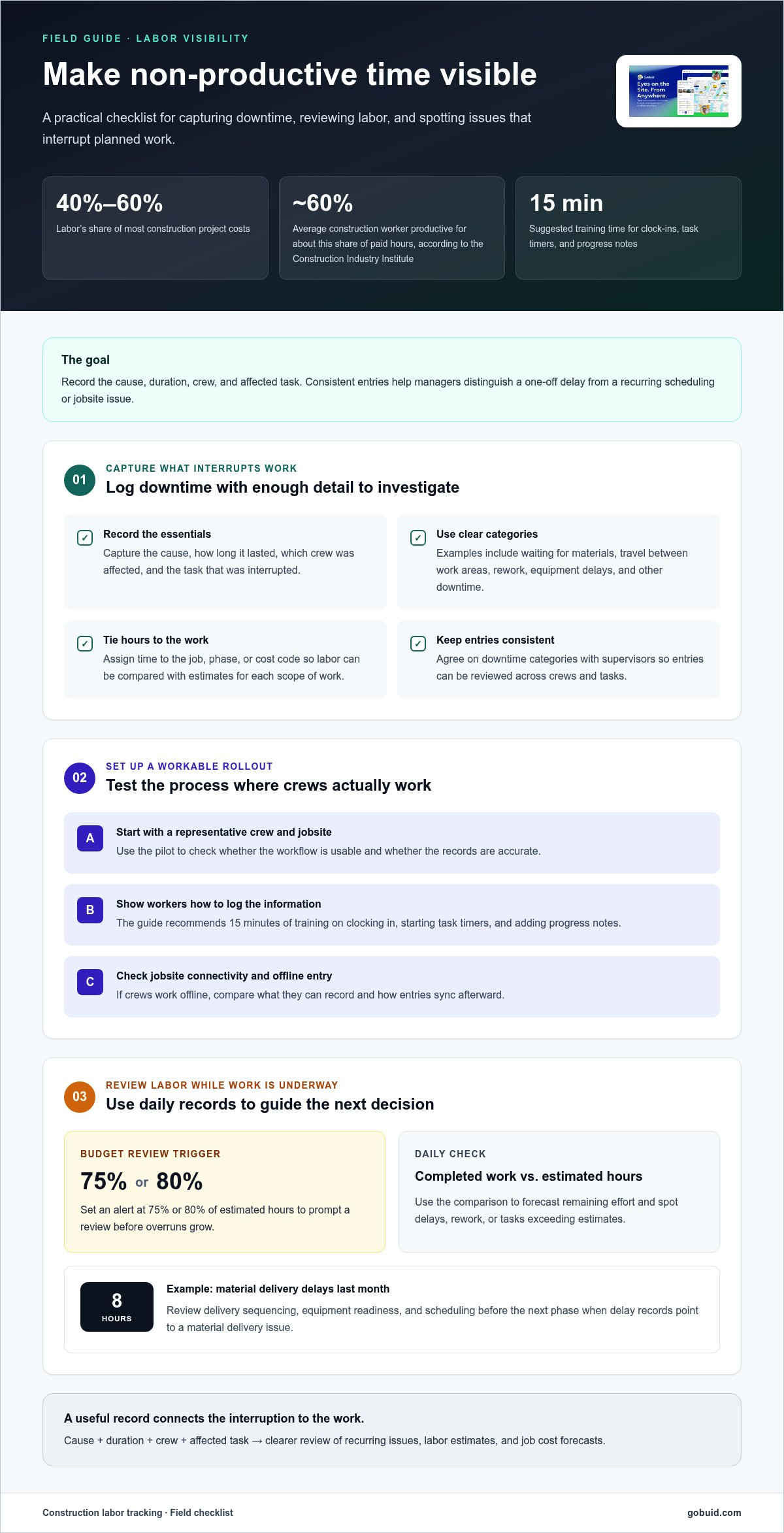
Labor accounts for 40% to 60% of most construction project costs. According to the Construction Industry Institute, the average construction worker is productive for about 60% of paid hours. The difference makes it useful to identify what interrupts planned work, then address causes crews can control.
Measure non-productive time by recording its cause, duration, crew, and affected task. Categories might include waiting for materials, travel between work areas, rework, equipment delays, or other downtime. Consistent records help project managers distinguish an isolated delay from a recurring scheduling or jobsite issue.
To implement tracking, define categories with supervisors, then show employees how to log them in a mobile app. A practical rollout includes a representative crew and jobsite, followed by a review of usability and record accuracy. The guide recommends spending 15 minutes training workers to clock in, start task timers, and add progress notes. Digital records can also support compliance reporting when project requirements call for workforce documentation.
Use daily labor data to compare completed work with estimated hours and forecast the remaining effort. Set a budget alert at 75% or 80% of estimated hours to prompt a review before overruns grow. For example, if material delivery delays accounted for 8 hours last month, managers can review delivery sequencing, equipment readiness, and scheduling before the next phase. This connects project management decisions with the job cost forecast.
For a clearer daily record of site activity, explore digital jobsite workflows that bring field updates together.
Construction-specific versus general-purpose trackers
A general-purpose tracker can capture clock-ins and basic shifts. A construction platform can connect workforce records with jobsite activity, project documentation, and job costing. That distinction matters when managers need to understand not only how long workers were on the clock, but also what held up planned work.
Compare tools by the field tasks they support, not simply by their feature count. Check whether workers can assign time to a job or phase, whether the system fits existing operations, and how it performs with jobsite connectivity. If crews work offline, find out what they can record and how entries sync afterward. Test the workflow with workers at a representative site.
| Tracker type | Typical focus | Best comparison point |
|---|---|---|
| Paper timesheet | Shift record | Manual entry and review |
| General-purpose time clock | Employee shifts | Payroll workflow |
| Task tracker | Work assignments | Task-level time capture |
| Construction time tracker | Workers, jobs, and phases | Job costing detail |
| Construction project platform | Time and project documentation | Connected field operations |
Public work adds another consideration. According to the U.S. Department of Labor, Davis-Bacon and state prevailing wage laws are relevant to public construction projects; applicable certified payroll reporting may require a WH-347 or equivalent report. Compare how each platform supports the records and reporting your project requires.
Choose a general tracker if shift capture is the main need. Choose a construction-focused platform when crews need time tied to jobsite tasks, project records, and costing. Compare connected construction field workflows as part of that decision.
Trade and specialty contractors can record hours by task or project phase to understand labor costs for specific scopes of work. Construction time-tracking software can also record hours worked, breaks, and overtime for compliance workflows. Meanwhile, solo operators and independent trade contractors who primarily need simple hours logging paired with invoicing and bookkeeping can look to platforms like Timebook.
GoBuid: generate report in one click
GoBuid helps teams turn jobsite records into clear reports. Use Manpower Tracking to organize workforce information and Customised forms to capture details such as delay reasons or work categories. Generate a report in one click to bring recorded information together for review. Safety & Quality Inspections support structured site records alongside workforce tracking.
This is a practical next step when your current process makes it difficult to gather field information and prepare consistent reports. Start by identifying the labor details supervisors need to review, then align forms and reporting with that workflow. Visit GoBuid’s website to learn more.
Turn Jobsite Records Into Better Decisions
Make downtime records useful beyond the current shift by setting a clear review routine. Identify recurring delays, assign an owner to each follow-up, and use the findings to adjust upcoming work. The right software for tracking non-productive time in construction should support this process without adding friction for field crews.
GoBuid’s Digital Site Diary can help keep jobsite documentation organized alongside the team’s daily work. Build a consistent record, then use it to guide conversations about planning and execution. Contact GoBuid about construction tracking to explore a practical fit for your workflow. Clearer records give your team a stronger starting point for the next job.
Frequently Asked Questions
Can it identify and reduce non-productive work?
Tracking software can reveal repeated delays, but teams still need to respond to what the records show. If entries repeatedly cite missing materials, for example, compare delivery timing with crew schedules and adjust the work sequence. Review patterns with supervisors and workers to address the underlying cause rather than treating every delay as an individual performance issue.
What about offline mode, GPS accuracy and compliance edge cases?
Offline access and GPS behavior vary by platform, so test both at the jobsite. Buildings, terrain, and connectivity can affect location signals; use GPS as context, not as a substitute for reviewing a disputed time entry. Compliance workflows may also require clear classifications, corrections, and approvals, particularly where prevailing wage or union reporting applies.
What software tracks non-productive time on construction sites?
Construction time trackers and broader site-management platforms can record workforce hours alongside job details. Software for tracking non-productive time in construction is most useful when crews can document why work paused, not just when a shift began or ended. GoBuid’s Manpower Tracking, Digital Site Diary, and Customised forms support workforce tracking and site documentation.
Which construction time tracking apps record downtime and reasons for delays?
Look for an app that lets workers or supervisors add a reason to a time or site record. Later reviews should distinguish a material delay from a blocked work area or equipment issue. GoBuid’s Customised forms and Digital Site Diary help teams capture project-specific field information, including delay context, within their documentation workflow.
What features should construction downtime tracking software include?
Prioritize simple mobile entry, job and task assignments, clear downtime categories, and notes explaining unusual events. Useful reports should let managers filter records by crew, project, and cause. Assess how the tool documents edits and fits payroll and project workflows. A trial with a representative crew can reveal friction before a wider rollout.
