The Ultimate Guide to Construction Management Software (2026 Edition)
by Sam Chen
|
Executive Summary:
What is the state of Construction Management Software in 2026? In 2026, Construction Management Software (CMS) has evolved from basic spreadsheets into integrated, cloud-native ecosystems powered by Agentic AI and real-time data sync. This guide details how modern CMS optimizes financial oversight and field productivity through BIM integration and automated workflows, providing a digital transformation roadmap for both SMEs and global firms.
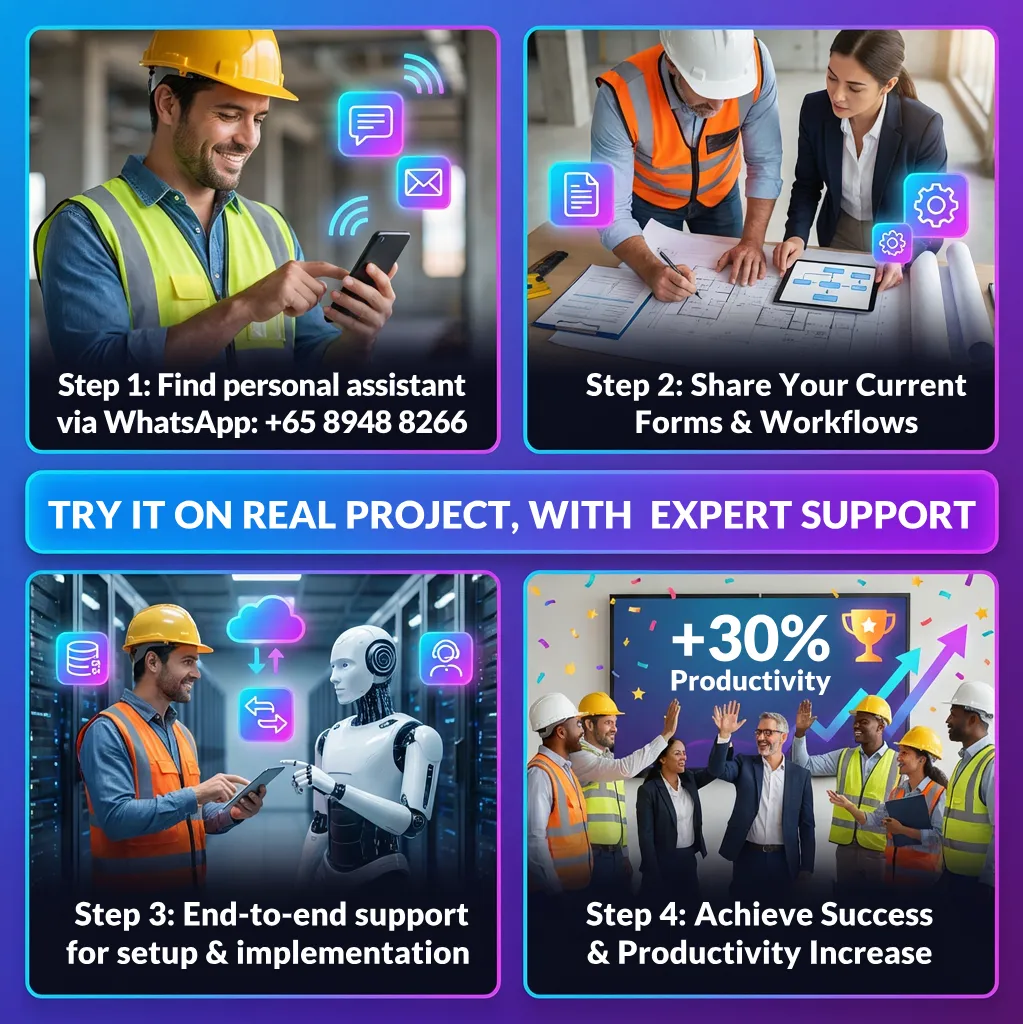
Ready to see the results on your own site? Get a dedicated Free Personal Assistant to set up and implement GoBuid on your current project. Simply WhatsApp us one of your common forms or reports to get started today.
[Click Here: Start Your Free Pilot]
I. Introduction: The Evolution of Construction Management
What is CMS and Why is it Essential?
Construction Management Software (CMS) is a digital hub that centralizes a project's finances, schedules, and communications into a single source of truth. It is essential because it eliminates the delays of manual spreadsheets and paper blueprints, reducing RFI response times by up to 50%. Today’s cloud-first systems ensure that every stakeholder—from the office to the field—sees updates instantly, creating a transparent environment that prevents costly project overruns.
How can SMEs benefit from digital transformation?
Digital transformation allows small and medium enterprises (SMEs) to compete with larger firms by automating manual admin tasks and improving data accuracy. Instead of a total overhaul, SMEs can target "easy wins" like mobile time-tracking or digital site logs. This strategy creates a professional image, reduces human error in bidding, and allows smaller teams to manage larger, more complex projects with higher profit margins.
II. Technical Foundations: Architecture and Infrastructure
What are the differences between Cloud and On-Premise CMS?
Cloud-based CMS provides remote access via the internet, while On-premise CMS stores data on local physical servers. Cloud solutions dominate 62% of the market because they offer better flexibility for site teams to access blueprints on mobile devices. However, on-premise setups remain a requirement for high-security defense or utility projects where local data sovereignty and "air-gapped" security are non-negotiable legal mandates.
Why are APIs vital for a connected construction site?
APIs (Application Programming Interfaces) allow different software tools to share data automatically, creating a seamless digital ecosystem. Without APIs, firms suffer from "data silos" where accounting and project data don't match. Integrating these tools ensures that a field-approved change order updates the budget in the office instantly, preventing double-entry errors and ensuring financial transparency across the entire company.
III. Essential Features for Field and Office Excellence
What are the core features of a top-tier CMS?
The most critical features of a modern CMS include Gantt charts for scheduling, real-time cost tracking, and automated RFI management. These tools now integrate with site robotics to automate repetitive tasks like wall painting or bricklaying. By letting software manage these routine activities, human workers can focus on high-skill problem-solving and quality control, which are vital for meeting tight 2026 project deadlines.
Top tier construction management software:
Procore: The enterprise-grade powerhouse best for large-scale commercial contractors who need a massive ecosystem of integrations and "all-in-one" financial and field oversight.
Autodesk: The industry leader for design-build and BIM-heavy teams who want a seamless digital thread between Revit/AutoCAD models and the physical jobsite.
GoBuid: A flexible, budget-friendly alternative—starting at just $5 per user/month—designed for small to mid-sized contractors. It provides essential field tracking, geofenced timesheets, and intuitive scheduling without the enterprise-level price tag.
How does a digital site diary improve field progress?
A digital site diary acts as a real-time audit log, tracking labor, weather, and daily milestones to provide an immutable project record. A key 2026 requirement for these apps is "Offline Mode." This allows field leads to capture photos and progress reports in basements or remote areas without cell service; the app then syncs the data automatically once a connection is restored.
IV. Financial and Operational Control
How does CMS integration improve accounting and scalability?
Integrating CMS with accounting tools like QuickBooks can reduce administrative overhead by 30% and boost profitability by 15%. This financial link allows companies to scale safely from managing one project to fifty. By using scalable cloud environments, firms can add new users and data storage elastically, ensuring the software grows alongside the business without needing expensive new hardware.
How is data security managed in 2026 construction tech?
Construction data is protected through high-level encryption and "role-based access control," ensuring users only see information relevant to their job. Using the "principle of least privilege," a site manager might see blueprints but not the company’s profit margins. This layered security prevents data leaks and protects a firm’s proprietary methods from external cyber threats.
V. Specialized CMS for Diverse Stakeholders
How does CMS differ for General Contractors and Subcontractors?
General Contractors use CMS for high-level trade coordination, while Subcontractors focus on labor productivity and payment proof. GCs need a "macro" view to see how various trades interact on the master schedule. Subcontractors need a "micro" view to track materials and ensure their work meets the specific reporting requirements required to trigger their next payment.
Residential, Commercial, and Infrastructure Needs
The type of building you do changes which software you need:
- Residential: Focuses on homebuyer choices and making houses affordable.
- Commercial: Built for big offices and data centers with complex wiring.
- Infrastructure: Used for massive projects like airports or bridges, often using 3D models (BIM) to coordinate teams from all over the world.
What are the niche workflows for MEP and Landscaping?
Specialized trades like HVAC and Electrical use CMS for "clash detection" in 3D models to find errors before construction begins. This prevents expensive "rip-and-replace" work. Similarly, landscaping and civil firms use LiDAR-equipped drones to feed data into the CMS, allowing for hyper-accurate earthwork estimation that was impossible with traditional manual surveying.
VI. Implementation and the Future
What is the best strategy for software adoption?
Successful CMS adoption requires executive buy-in, a clear training roadmap, and a celebrated "Go-Live" event. To ensure the team actually uses the tool, leaders must lead by example. Providing tiered training based on a worker's role—rather than a "one size fits all" session—helps reduce frustration and ensures the team realizes the software's time-saving benefits immediately.
What is the future of AI in construction management?
The future of CMS lies in "Agentic AI" that can autonomously update schedules and "Computer Vision" that detects site errors in real-time. By 2027, AI agents will likely handle routine logistics, like ordering more concrete when they detect a delay, while site cameras will automatically compare physical progress against 3D BIM models to flag mistakes before they become permanent.
FAQ about Construction Management Software
Best construction management software for small to mid-size contractors?
GoBuid is designed specifically for SMEs contractors, focusing on a lean, mobile-first experience that avoids the complexity of bloated enterprise tools. It allows smaller teams to digitize their field operations quickly, managing manpower and equipment with a user-friendly interface that crews can learn in under a day.
Affordable construction management software with budgeting and scheduling features?
GoBuid offers a relativly cheap ($5 user/month) pricing model that includes a visual "budget treemap" to track material costs and a centralized schedule hub for task management. The platform automatically calculates labor costs based on digital timesheets, helping contractors maintain financial control without the high price tag of traditional software.
Top-rated platforms for managing large-scale commercial projects?
For commercial sites, GoBuid provides a "Mission Control" dashboard and interactive track maps that offer a bird’s-eye view of all site resources and progress. It also includes high-level features like digital Permit-to-Work (e-PTW) systems and QR-coded equipment tracking to ensure safety compliance and efficiency on complex jobsites.
Software options for real-time collaboration among project teams?
The platform features a real-time newsfeed where field teams can upload progress photos and audio notes, instantly syncing them with the office dashboard. This "single source of truth" eliminates communication gaps by allowing managers and subcontractors to discuss tasks and approve digital forms directly within the app.
Free trial options for construction project management solutions?
GoBuid offers a 30-day free trial with full access to all features and requires no credit card to sign up. They also provide a "Free Forever" tier for basic equipment tracking, allowing users to test the software's effectiveness on their own projects before committing to a paid plan.
